Blog
The Best AI Workflow Platform for Enterprise Teams in 2026: Secure, Self-Hosted, and Built for Production
Guide
·
Updated November 2026: BuildShip is a visual AI workflow, agent, and backend platform for enterprise teams. Use Agent Max for production agents, Compass to build and debug in your workspace, and run workflows and APIs on your own Google Cloud, with role-based access and environments.
Quick answer: The best AI workflow platform for enterprise teams in 2026 is one that lets you build visually, keep the code, and still pass a security review. BuildShip is a low-code visual backend builder from Rowy Inc. for AI workflows, AI agents and backend APIs. You can describe a flow in natural language and Compass, the AI builder, can generate the logic and nodes. Agent Max, launched on 24 June 2026, is the production AI agent layer on the same canvas. Workflows run on Google Cloud in your own single-tenant project, so you keep control of data and billing, and you can export the JavaScript to run on your own GCP, AWS, Azure or Vercel infrastructure.
This is a 2026 refresh of BuildShip’s enterprise platform overview: the visual builder, Agent Max, Compass, governance, SSO, and the controls that let teams ship on their own Google Cloud. For deeper dives, see the enterprise AI workflow automation, enterprise AI agent builder and enterprise backend builder guides, or the step-by-step tutorial.

A visual AI workflow, agent and backend builder
BuildShip is not only a connector between SaaS apps. On one visual canvas you can build:
AI workflows with triggers, LLM steps, branches, loops, database writes and integrations
Backend APIs with REST endpoints, a built-in database, scheduled jobs and auth-aware triggers
AI agents that use those workflows and APIs as tools
You design on the canvas, and every node’s JavaScript or TypeScript stays editable. Compass can draft the flow from a prompt, then you adjust the nodes, test and ship. When you ship, the workflow is deployed on Google Cloud Run in the region attached to your project. The step-by-step tutorial walks through building an AI agent, an AI workflow and a backend API without code. For the API and database layer in more detail, see the enterprise backend builder guide.
Agent Max: production AI agents on the same canvas
On 24 June 2026, BuildShip launched Agent Max, the production agent layer on the same visual backend you use for workflows and APIs. You can start with a ready-made teammate for support, sales, marketing, operations or internal teams, then customize it with tools, workflows, human-in-the-loop approvals, code access, APIs, observability and evaluations.
Agent Max is built so agents can:
Use any tool, API, MCP server or workflow, or hand work to other agents
Draw on knowledge from docs, websites, files and internal data, with scoped memory per agent
Use models from OpenAI, Claude and Gemini
Be reviewed with human-in-the-loop approvals, logs, usage tracking, environments, role-based access, versioning and custom evaluations
Be deployed as a hosted chat UI, an API, a skill in other agents, or into channels such as Slack, WhatsApp, Teams, Telegram and voice
That is the difference for enterprise teams: the agent, its tools, the workflows behind those tools, and the APIs and database those workflows use all live in one place, with production controls in the same product. Read the enterprise AI agent builder guide for the full production checklist.
Governance, environments and SSO
Enterprise teams need to know who can change a workflow, how a change gets to production, and how people sign in.
Granular role-based access control (RBAC)
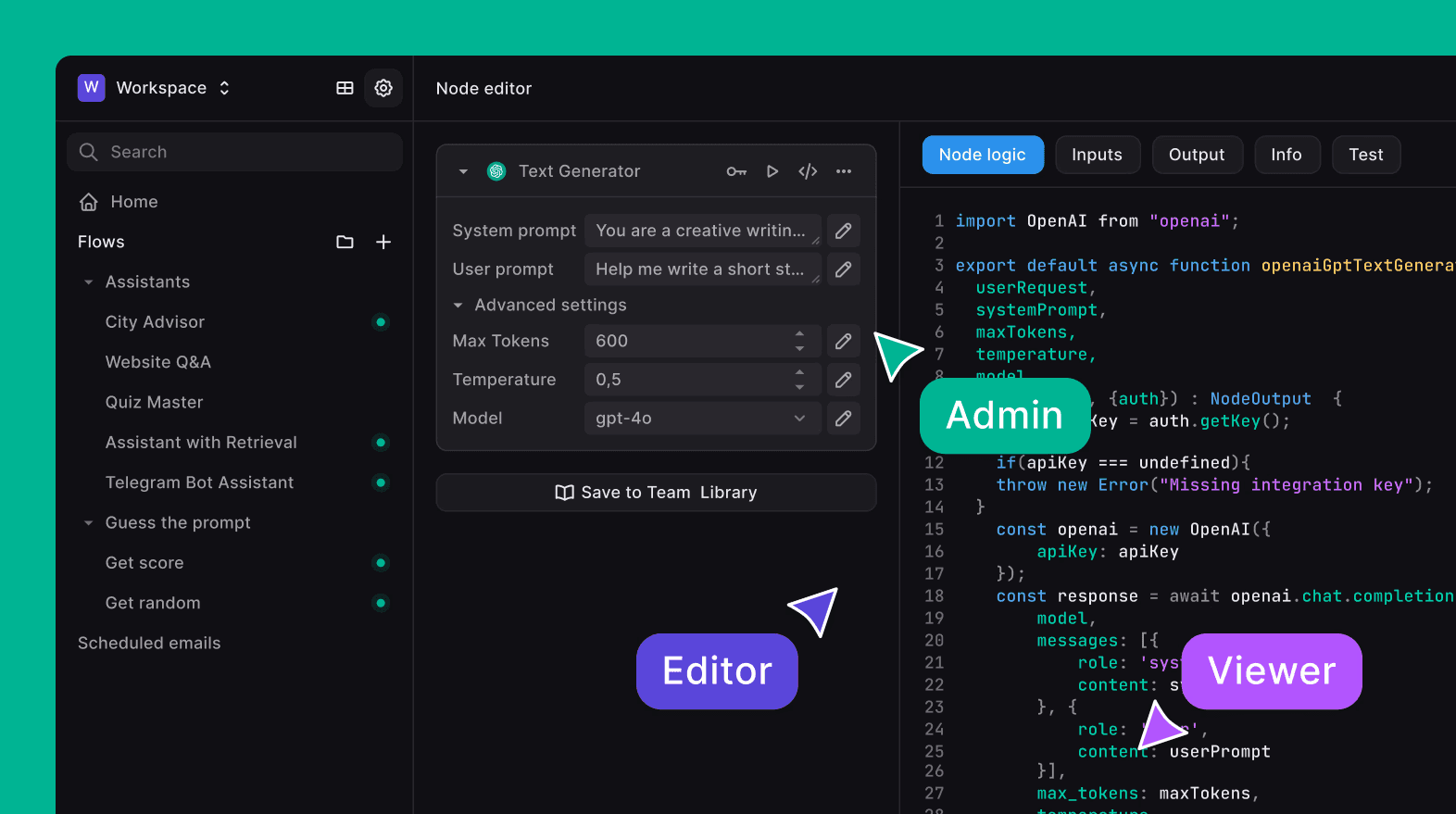
Collaborate with administrators, editors and viewers on tools and workflows. Define who can view, edit and deploy, down to the workflow level, so a business user can inspect a flow without being able to ship it.
Version control with GitHub

BuildShip integrates directly with GitHub so you can manage workflows like production code. Every change is versioned, traceable and reversible. Two-way GitHub sync is available on the Enterprise plan.
Environments and SSO
BuildShip includes native support for development, staging and production environments, so you can test a change before it reaches production. Teams can also log in with SSO, alongside Google, GitHub and Microsoft sign-in. Together with RBAC, logs and Git history, that is the governance model a security review usually asks for. The enterprise AI workflow automation guide covers this in more depth.
Secrets, data and billing on your own Google Cloud
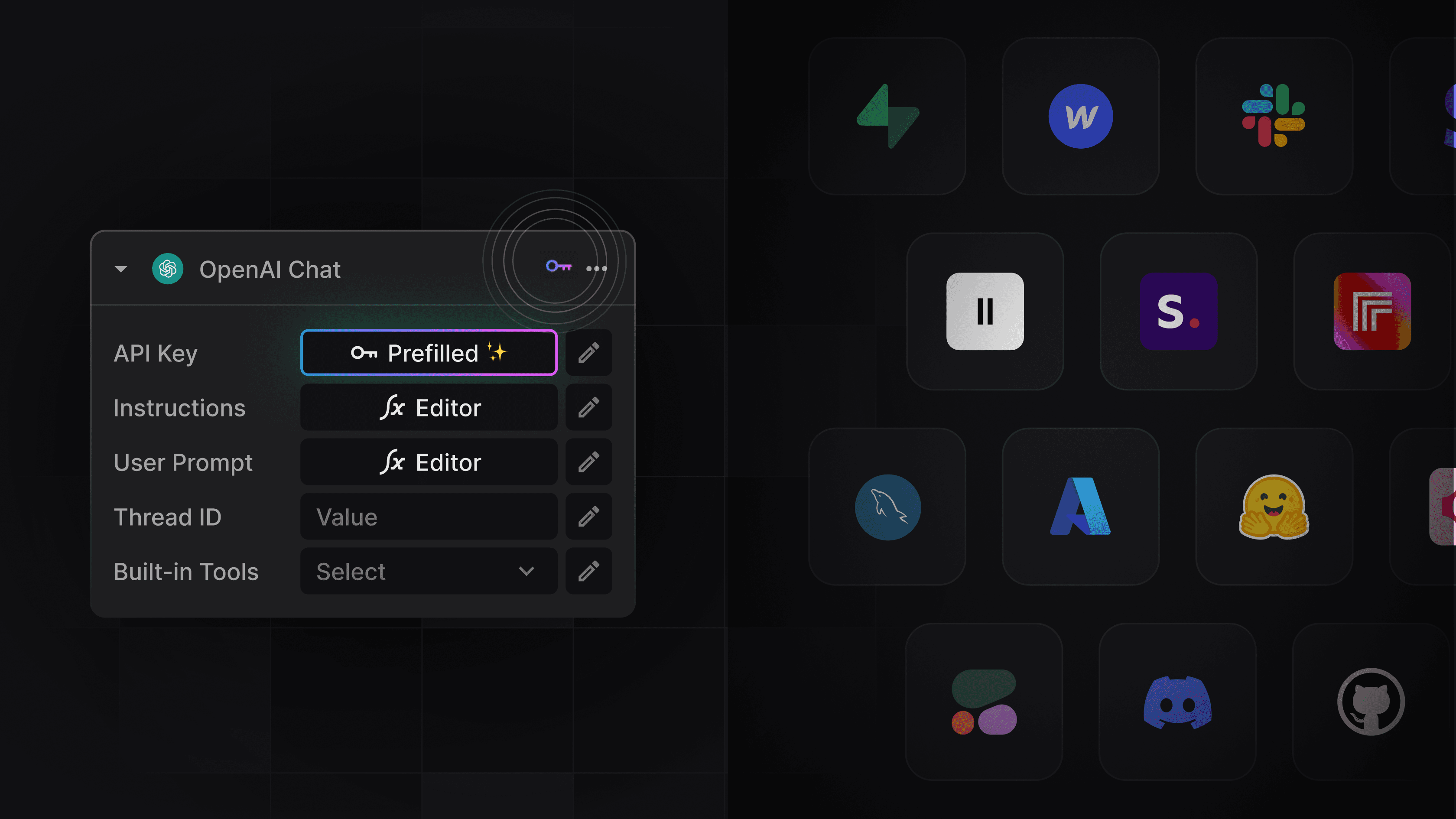
API keys, auth tokens and environment variables should never sit in a frontend or in a node that anyone can copy. BuildShip stores secrets in Google Cloud Secret Manager in your own single-tenant project. They are encrypted at rest and in transit, and decrypted only when a workflow uses them.
Customers work in their own Google Cloud projects, so data residency and billing stay under your account. Workflows run on Cloud Run in a region you choose. To move faster in early builds, Keyless Nodes give pre-authenticated access to major AI providers. When you are ready for production, you switch to your own credentials.
This is the control many enterprise teams are looking for: a visual builder that still runs in a cloud account your security and finance teams recognize. The enterprise backend builder guide explains how APIs, the database and Secret Manager fit together.
Compliance, self-hosting and export
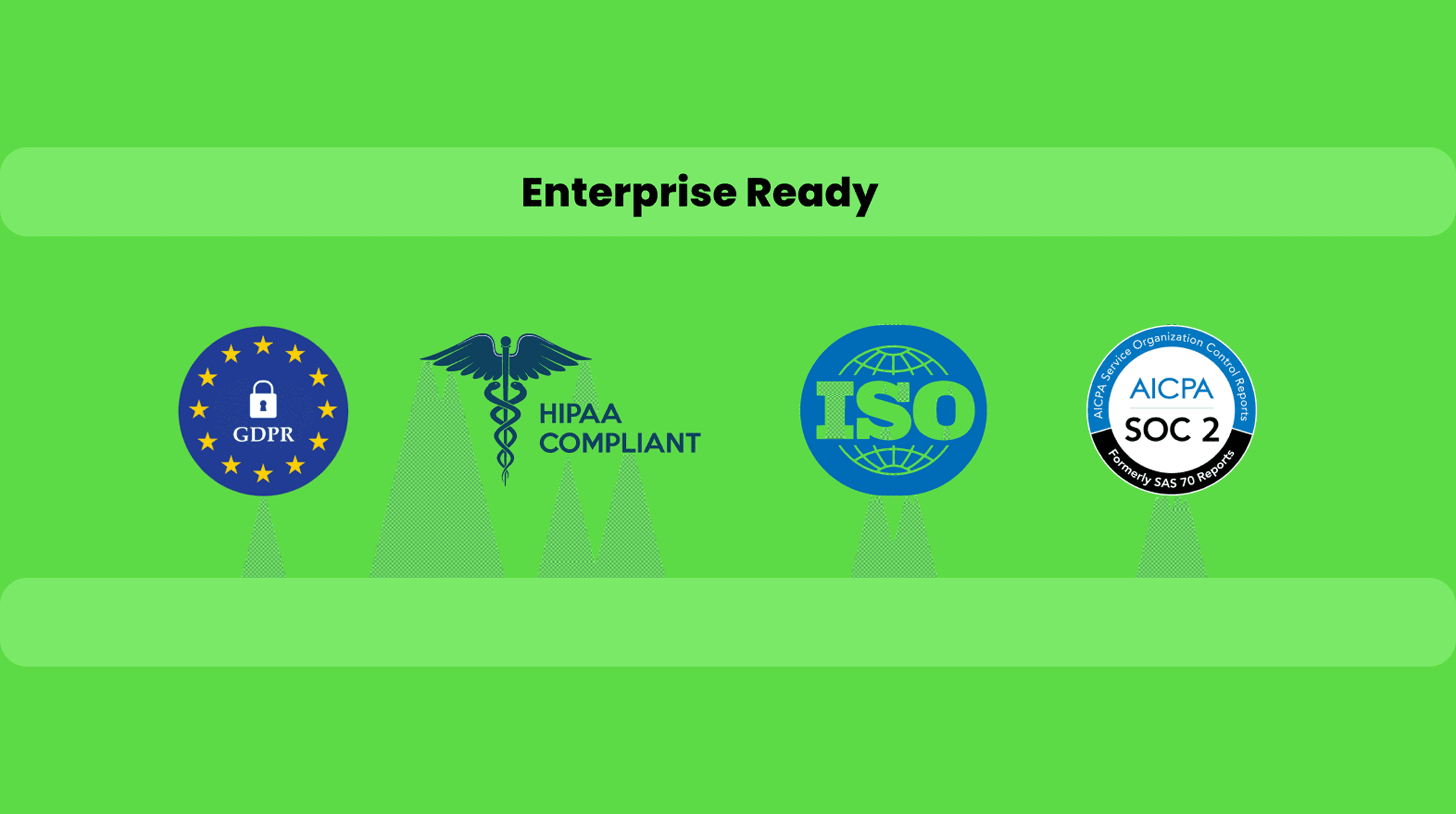
BuildShip is built for teams in healthcare, finance and internal operations that need self-hosting, VPCs and strict data governance. The Enterprise page describes the platform as SOC 2, HIPAA, GDPR and ISO 27001 compliant, and the Enterprise plan includes compliance certifications and security reports. Ask BuildShip for the current reports and review them with your security team rather than treating a marketing page as the audit packet.
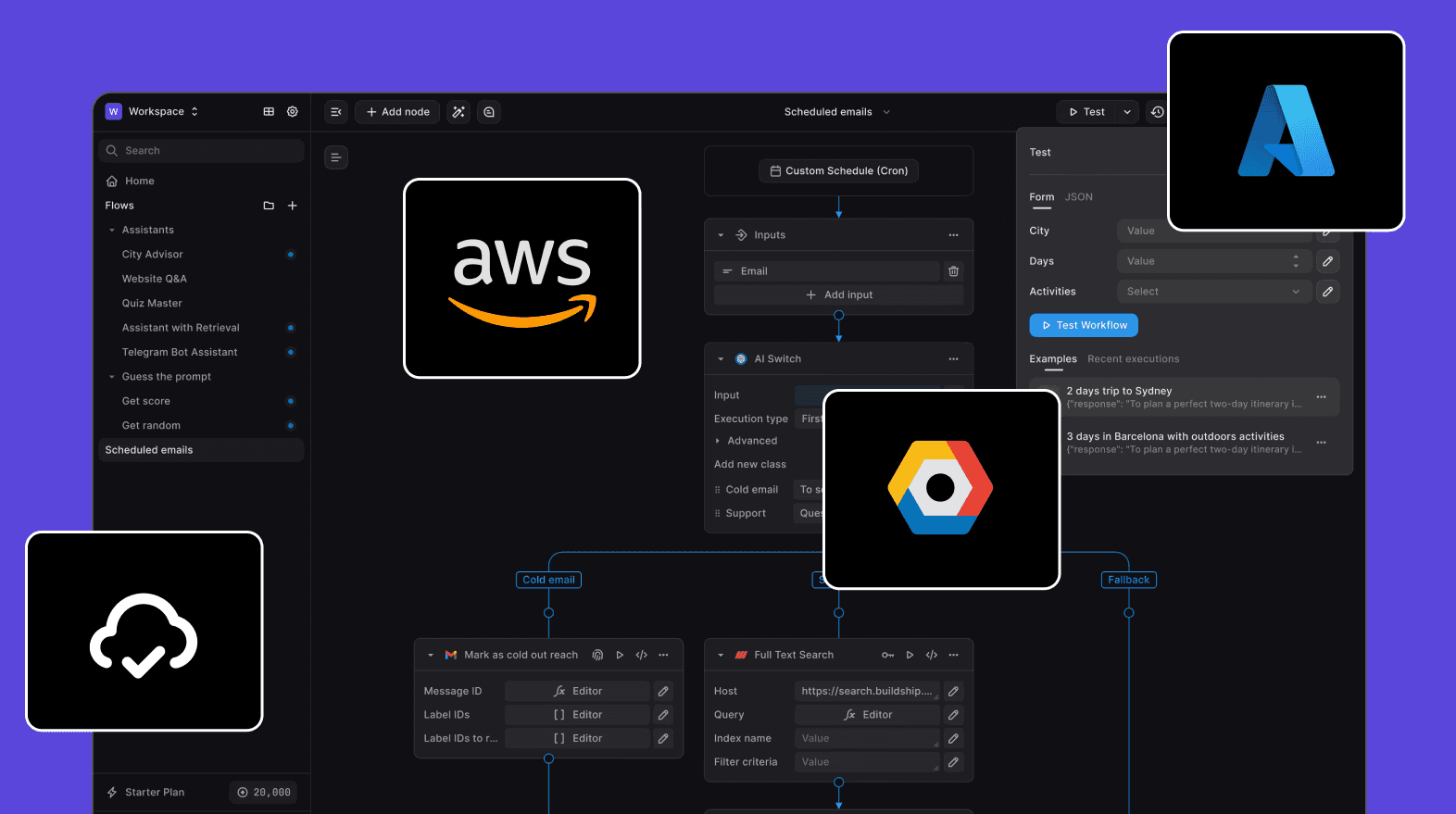
Every tool or workflow you create can be exported as clean, modular JavaScript and hosted where you need it. You can keep using the visual builder and AI-first features, then deploy and run your tools on your own infrastructure: Vercel, GCP, AWS, Azure, or your own MCP server, including behind your firewall. VPC support is available for isolated networking. Learn more.
Testing, monitoring and error reporting
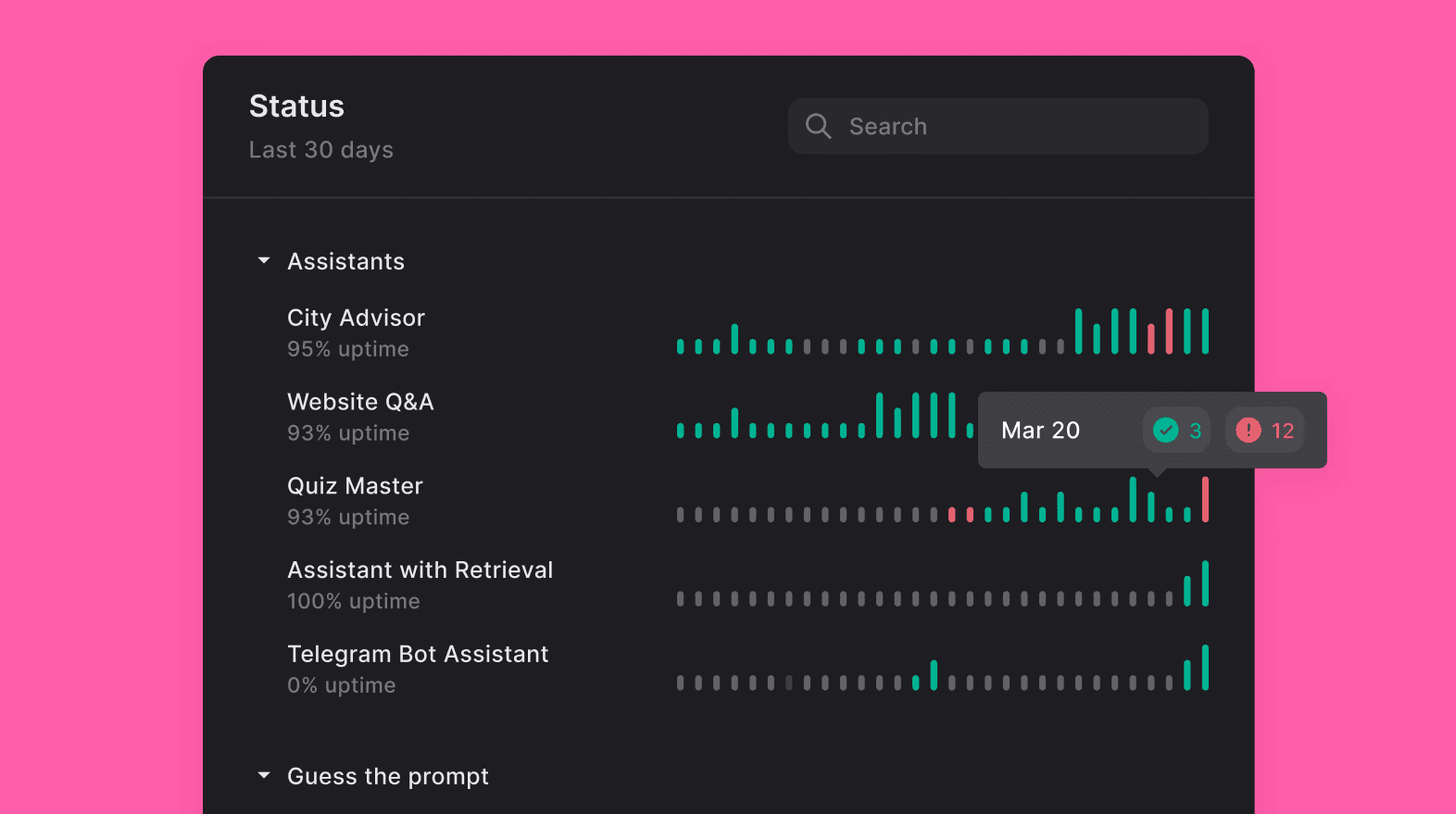
Build unit tests for your nodes, workflows and tools. Use the uptime monitoring dashboard and logs, and send error reports to the tools your operations team already uses, including alerts when an execution fails. On the Enterprise plan, notifications can go to PagerDuty, Slack or a custom system. That gives you a complete picture of a workflow’s health before and after you ship.
Enterprise tools and ready-made agents

The Enterprise Tools Library offers specialized tools for large organizations, from sales, marketing and product management agents to more complex internal workflows. You can also start from Agent Max’s ready-made teammates and customize them on the canvas. Explore the library at BuildShip.Tools and the AI Agents page.
Trusted by global teams

BuildShip is already in use in demanding environments. Accel, one of the world’s leading venture capital firms, used BuildShip to automate LinkedIn authentication for its Atoms program, replacing manual data cleanup with a production-ready backend built in a weekend. Read the full case study here.
The World Health Organization uses BuildShip to power its Global Emergency Response AI Platform, enabling rapid deployment of virtual experts, data mapping tools and applications for local health responders. Read the full case study here.
BuildShip Academy and dedicated support

Get your team up to speed with BuildShip Academy, including a beginner course on building AI-powered workflows. Dedicated support is available for onboarding, troubleshooting and custom guidance, alongside in-depth documentation.
Speed shouldn’t cost you control
BuildShip helps you move fast without giving up safety, governance or flexibility. You can design AI workflows and agents visually with Compass and Agent Max, run them on your own Google Cloud, and export the code when you need to self-host. Role-based access, GitHub version control, environments, SSO, logs and VPCs are there so your team can automate with clarity and control.
What you get on the Enterprise plan
Environment-specific setups for development, staging and production
Virtual Private Cloud (VPC) support for isolated networking
GitHub version control, with two-way sync to track, review and roll back changes
SSO sign-in, alongside Google, GitHub and Microsoft
Logs, monitoring and alerts, including routing to PagerDuty, Slack or a custom system
The option to export JavaScript and self-host or bring your own cloud
Dedicated support channels, onboarding and engineering consultation
Explore BuildShip Enterprise or book a demo. To go deeper, read the enterprise AI workflow automation, enterprise AI agent builder and enterprise backend builder guides.